The Product Onboarding Suite

Your next bestseller shouldn't be waiting in a spreadsheet

The Product Onboarding Suite turns raw supplier files into live shoppable products with the coordination, completeness, and team workflow your buying and sourcing teams need.


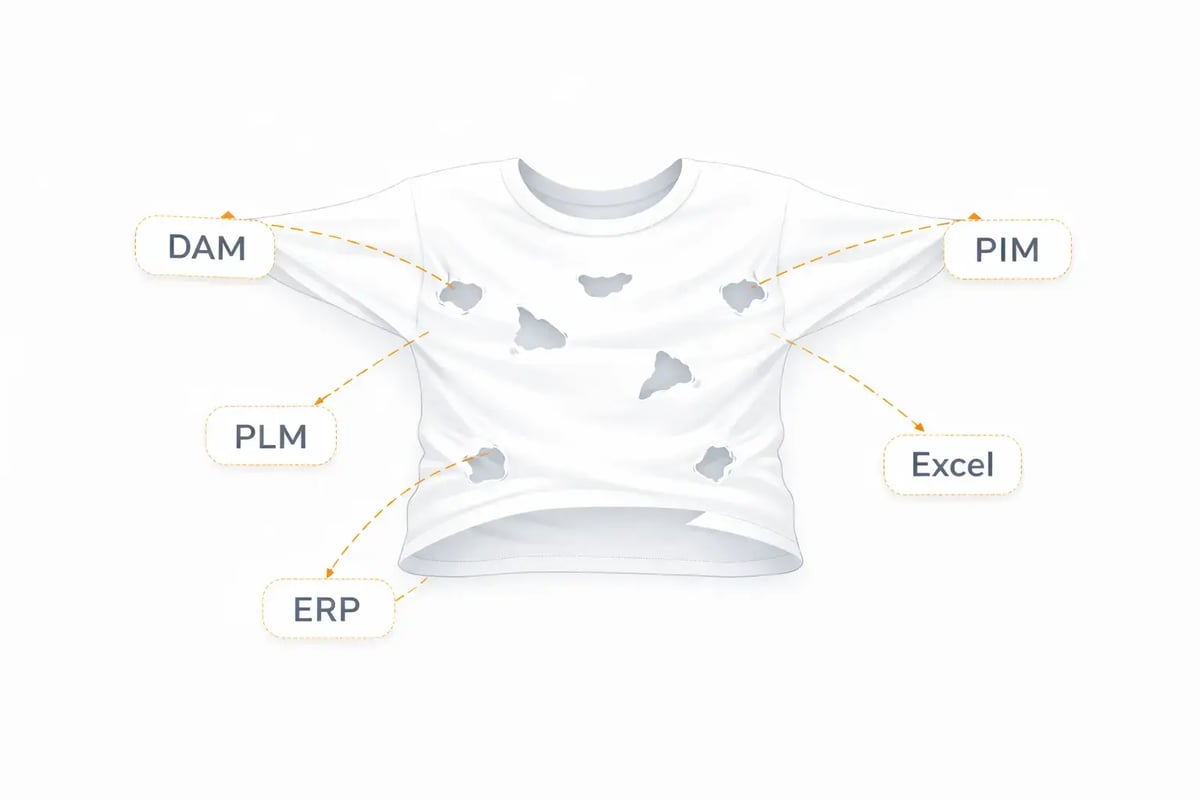
Sound familiar? Retail onboarding is still a mess.


Inconsistent supplier files

Incomplete product data, wrong column names, missing images, duplicate SKUs, and fields that don’t match. 

Manual coordination

Chasing updates and solving errors, endless emails and chats with no visibility into real progress.

Slow time-to-market

A stressful environment with missed deadlines, lost sales, and constant pressure on launch windows.

The control view for product onboarding, coordination, and completeness
It's onboarding, but also retail execution. One structured flow that covers supplier import, enrichment, ownership, and validation from start to finish.

  • Handle full 360° product data - beyond the PIM

  • Work in batches with a grid-first view

  • Assign clear ownership and deadlines

  • Validate before you import or publish

  • Track readiness and launch progress in real time

We want to shorten lead times, launch more products, and keep the highest quality. That’s how we stay competitive. With Occtoo, we can do this, without compromise

Edith Rehnberg, Product Data Specialist

Nordic Nest Group

Launch faster with full confidence


toggle-right

Get products “Order Ready” before they go live

Nothing goes live unless it’s ready. Red flags stop incomplete data, yellow warnings guide pre-publish checks, and category-level completeness scores highlight gaps instantly. Filter problem rows and resolve issues in bulk.

smile-square

No duplicate SKUs or uncontrolled updates

Every incoming product is automatically cross-checked against your catalogue. Choose to update existing SKUs or create new ones, and see clearly what will be created and what will be updated before you confirm.

components

Product images organised and ready

Your storefront should reflect your standards. Bulk import supplier image ZIP files and automatically match them by item number. Easily manage main images, detail shots, and lifestyle photos. 

dollar-square

Teams that work in full speed

Set up activities, enrich content, and oversee progress: all in one workflow. Work in batches through a grid built for retail volume, assign responsibility with product, deadline, and owner. 


From supplier file to live product in 5 steps

Onboarding of supplier data has never been easier. 

1. Create an activity

Name your assortment, select brand, sites, launch date, and upload the supplier file.

2. Map the columns

Connect supplier field names to your catalogue in minutes with AI assistance.

3. Enrich the data

Fill required fields, resolve validation warnings, and reach Order Ready status.

4. Add product media

Upload images per product, bulk import from zip, or drag from supplier file.

5. Publish

Review, select, and send validated products live to your chosen sales channels.

Onboarding that keeps up with your business

Less time from supplier file to live product. More time selling. That's what the Product Onboarding Suite delivers, season after season.

  • 100% product data flow control

  • Faster time to market

  • Happier teams working at full speed

Questions retailers ask about product data onboarding

We hear these a lot. Here's what you need to know.

How can retail teams reduce time-to-market for new products?

Retail teams reduce time-to-market by removing the bottlenecks between receiving a supplier file and publishing a product. This means automating column mapping, validating data upfront rather than after import, assigning clear enrichment ownership, and processing products in batches rather than one by one. 

With the Product Onboarding Suite, part of Occtoo, you can manage all your product data — descriptions, media, pricing, and more — and get it ready for product detail pages, campaigns, AI agents and digital product passports.

How do you prevent duplicate SKUs during product import?

Duplicate SKUs are prevented by automatically cross-checking every incoming product against the existing catalogue at the point of import. A good onboarding workflow surfaces conflicts before confirmation, letting the team decide whether to update an existing SKU or create a new one — rather than discovering duplicates after they've caused errors downstream.

How does AI help with supplier file mapping?

AI-assisted column mapping reads the field names in an incoming supplier file and automatically suggests how they match your catalogue attributes. For example, mapping a supplier's "Prod_Desc" field to your "Product Description" field. This reduces the manual effort of translating between supplier formats each season, so your team spends minutes on mapping, not hours.

How do buying teams track product launch readiness?

Buying teams track product launch readiness most effectively when they have a single view that shows completeness status per SKU, per batch, or per launch date. Colour-coded validation flags, category-level completeness scores, and activity-based ownership mean teams can see at a glance what's ready, what's blocked, and who is responsible for resolving gaps.